
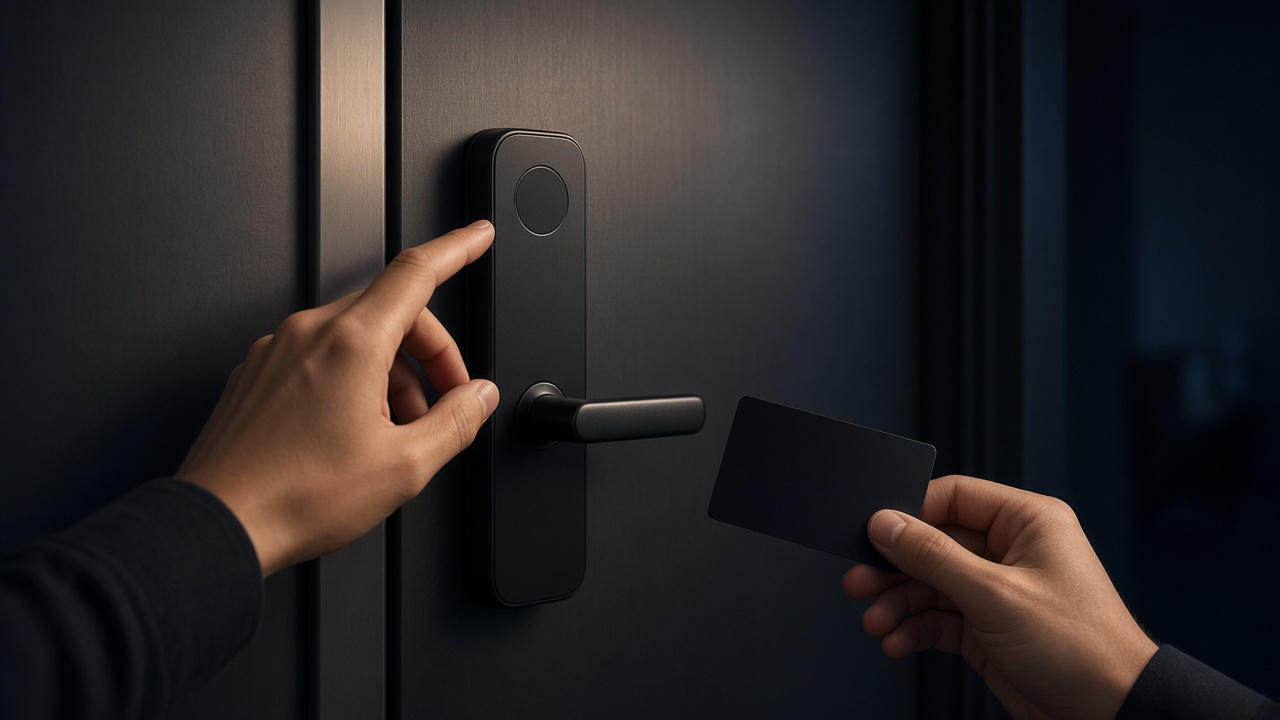
Fingerprint, face, and palm-vein recognition fail in different, predictable conditions, so a useful specification names those failure modes and requires local fallbacks instead of treating a long unlock-method list as proof of reliability.
Overseas residential, apartment, and commercial buyers often compare smart locks by counting unlock methods. That comparison is incomplete. A sensor that works in a showroom can reject a wet finger at an outdoor gate, miss a face in backlighting, or leave a delivery driver standing at the door with no enrolled alternative. The practical question is not "how many ways can this lock open?" It is "which methods will still work for these users, on this door, in this weather, when the network is down?"
This article explains how the three common biometric methods fail in real use, and how to write them into a project specification. For the broader specification sequence, including door type, connectivity, and warranty, start with How to Specify a Smart Lock for Overseas Residential, Apartment, and Commercial Projects.
Fingerprint recognition fails first when the finger or the sensor is not clean and dry
Fingerprint unlock is a surface match, so water, dust, dry skin, wear, cold, and gloves are ordinary reasons for rejection-not rare exceptions.
Semiconductor fingerprint sensors, which appear on several current Hobere featured models, read the electrical pattern of the skin. They are typically fast when the finger is presented the same way it was enrolled. They are also sensitive to conditions that change the surface: rain at an exposed door, lotion, construction dust, very dry or worn fingertips, and winter cold. A user wearing gloves cannot use the method at all.
For project use, treat fingerprint as a convenient method for enrolled residents, not as the only method for every person who will approach the door. Staff who work outdoors, children whose fingerprints change, and older users with worn skin need a second local method that has already been tested with those people, not promised in a brochure.
Enrollment quality matters as much as sensor type. A specification should require more than one finger per regular user where the model allows it, and it should require a short acceptance test on site: wet finger, dry finger, and an awkward angle. If the door is exposed to rain or coastal air, fingerprint reliability should be reviewed together with the environmental specification in Waterproof and Coastal Smart Locks: Rain Is Not the Same as Salt Spray.
Do not write laboratory-style accuracy percentages into a bid unless the factory has provided a test report for that model and you have read the test conditions. A number without a method is not a specification.
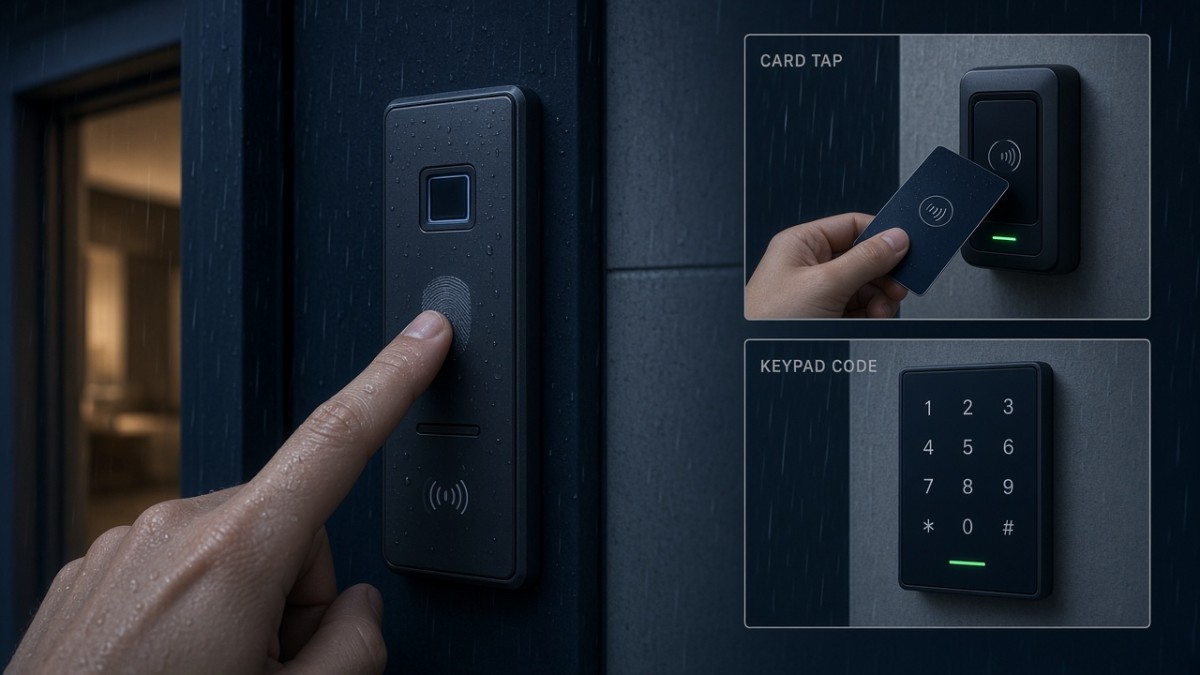
Face recognition fails when lighting, height, or a covered face does not match enrollment
Face unlock is convenient when the camera can see a stable, enrolled face, and it is unreliable when lighting, angle, or coverings change that picture.
3D face recognition, which is listed on several current featured models including H8Pro, D3, H6Pro-F, Q9-F, and Q10, is designed to read facial shape rather than a flat photograph. That is a meaningful difference for spoof resistance, but it does not remove everyday failure modes. Strong backlight at a west-facing entrance, a hat or mask, a user stooping with packages, or a child below the camera's usual height can all change the result.
For apartments and small commercial sites, also think about who is being recognized and who is only visiting. A face method is a poor exclusive method for temporary access. Guests, cleaners, and contractors should receive a card, a code, or another local credential that can be issued and withdrawn without asking them to enroll a face.
If the lock also has a camera or indoor screen, face recognition and video viewing are separate specification items. One is an unlock method. The other is a privacy and data question. Do not assume that a face-unlock camera is also a recording system, and do not assume the opposite. Confirm what the model actually captures, where any image is stored, and which app is used to view it.
H8Pro uses Dingding Smart (叮叮智能) for app features. The Tuya-supported featured models are A1, A2, A3, A4, D3, Q10, H6Pro-F, and Q9-F. App viewing is useful only when the network and service are available; the face method itself should still be evaluated as a local unlock path.
Palm-vein recognition is useful when fingerprint reliability is already a known problem
Palm-vein recognition reads vascular patterns inside the palm, so it is often specified when wet, dry, or worn fingerprints are already expected to cause regular failures.
That is the practical reason to consider it-not because it sounds more advanced. A palm is still a biometric that must be enrolled carefully. Users need to know how to present the palm, and the project still needs a non-biometric fallback for visitors and for anyone who cannot enroll successfully.
Palm vein appears on several current featured models, including the Hobere Q10, as well as H8Pro, D3, H6Pro-F, and Q9-F. A1, A2, A3, and A4 should not be assumed to include it; confirm the method set on the exact model. Product pages for A1 and A2 are not reliably live, so ask the factory rather than relying on a short product URL.
Because public materials do not give a single sitewide figure for enrollment capacity or recognition conditions, the specification should ask how many palm-vein, face, fingerprint, password, and card credentials the chosen model can store, and how a credential is deleted when a tenant or staff member leaves. Those are project questions, not details to invent from a neighboring model.
A reliable project specification always includes local fallbacks
The unlock plan is complete only when a user can still enter if one biometric fails and the network is unavailable.
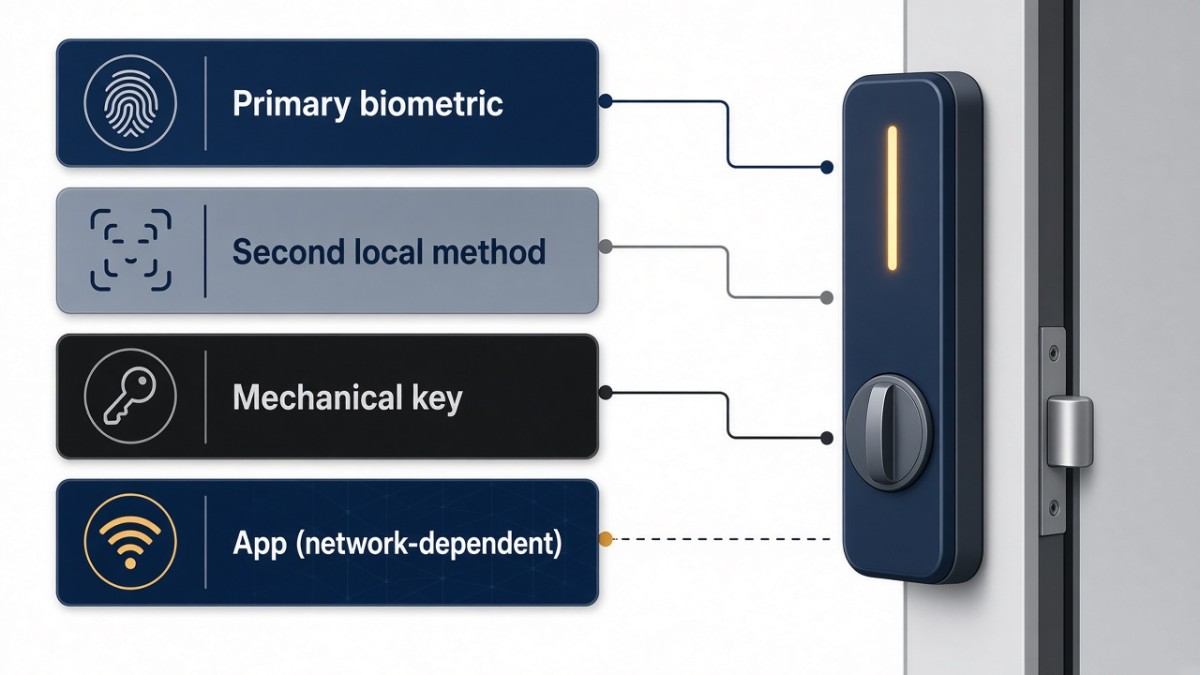
Write the methods in layers:
- Primary biometric for regular residents or staff, chosen against the real failure modes of that site.
- A second local method-often a second biometric, a card, or a password-already enrolled or issued before handover.
- A mechanical key or equivalent physical override, with a written plan for who holds it.
- App-based remote unlock or temporary codes as a convenience layer, not as the only way to recover from a failed sensor.
Current Hobere featured models typically combine more than one of these layers, but the combination is not identical across H8Pro, D3, H6Pro-F, Q9-F, A1, A2, A3, A4, and Q10. Handle-style models such as A3 and A4 are commonly specified around fingerprint, password, card, app, and key; confirm that list on the quotation. Visual or embedded models may add face and palm vein. Do not copy a method list from one model onto another.
Temporary access should be designed at the same time. A one-time or time-limited code can be the right tool for a visitor, but it depends on the app and network being available when the code is created or used. If a property manager must grant access during an outage, a physical card or a pre-agreed key procedure is the more reliable path.
What to ask before you freeze the method list
The following questions keep unverified performance claims out of the purchase order.
Which methods are confirmed on the exact configuration being quoted?
Name face, palm vein, fingerprint, password, card, mechanical key, and app separately. Ask the factory to confirm each one for that model.
How will we test enrollment with the actual user groups?
Include at least one wet-finger or outdoor test if the door is exposed, and a lighting test if face unlock is required.
What is the credential capacity, and how are credentials deleted?
Do not assume a number from another model page. Ask for the limits and the revocation process.
What still works with no network?
Biometric, card, password, and key methods should be listed as local. App unlock should be listed as network-dependent.
Is there a camera or indoor screen attached to the face-unlock hardware?
If yes, add a privacy requirement. If no, do not write monitoring features into the specification.
Talk with Hobere about unlock methods for your door
Hobere can help you match fingerprint, face, and palm-vein options-and the necessary fallbacks-to a specific door and user group. Send the door conditions, user types, and required methods to hongtusmartlock@hobere.com, or use the Contact page. You can also review live featured models such as the Q10 and H8Pro, then confirm the method set in writing before you order.
Hobere

Thank you very much for writing to us. Please leave your message and contact information, we will reply to you within 24 hours.