
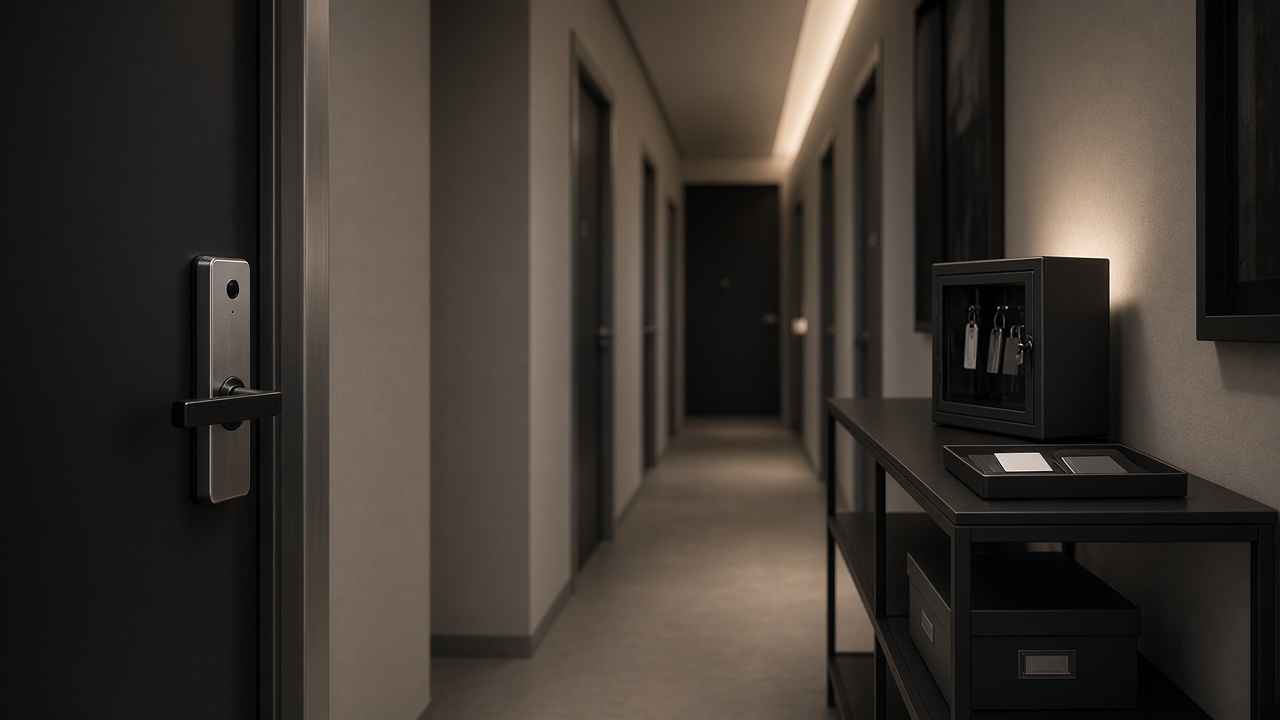
Apartment and commercial access control is a credential and responsibility problem as well as a hardware choice, so the specification must say who is issued access, who can revoke it, and what still works when the network is down.
Overseas buyers for rental apartments, small office suites, and shared commercial doors often start with a model photo and a list of unlock methods. That is not enough when tenants change, cleaners need time-limited entry, and a property manager has to admit a contractor after hours. The lock has to support those operations without turning every visit into an app emergency, and without assuming a hotel property-management system. Hotel locks and PMS integration are outside the scope of this series and should not be written into the RFQ as if they were a standard offering.
This article applies the project-specification sequence in How to Specify a Smart Lock for Overseas Residential, Apartment, and Commercial Projects to multi-user sites.
Write the user groups and the turnover rule first
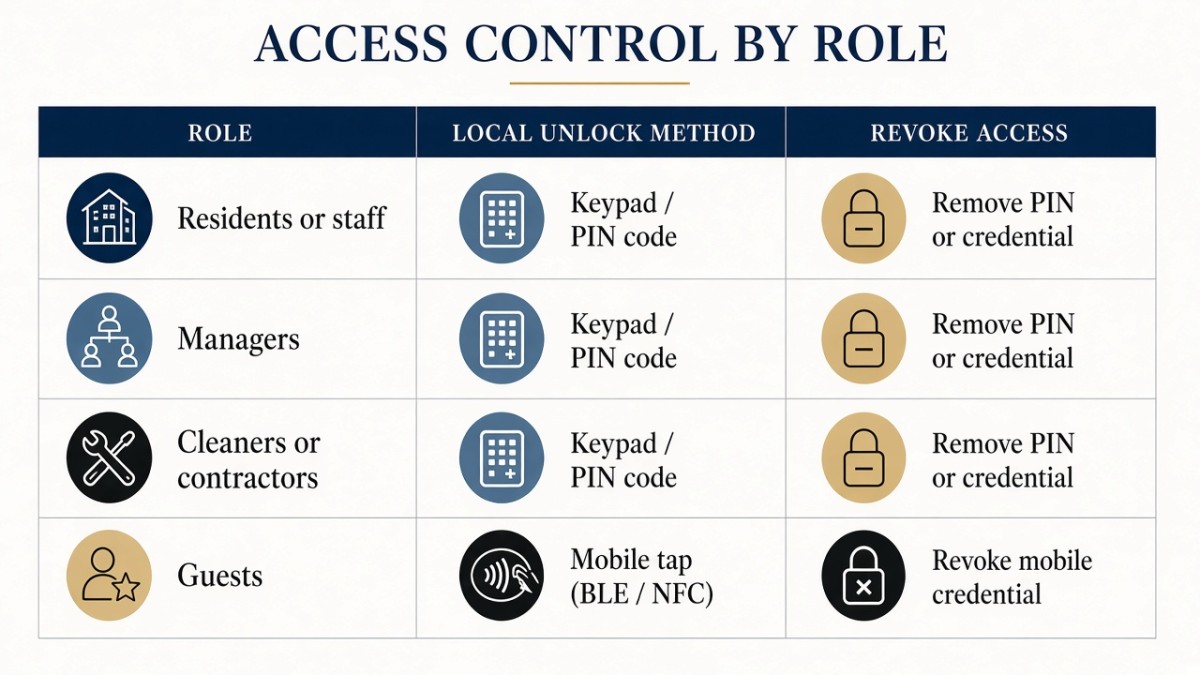
The first page of an apartment or commercial specification should list the user groups and how often they change, because that list decides which credentials are practical.
Typical groups include:
- Residents, owner-occupiers, or regular office staff who need stable, enrolled access
- Property managers or site supervisors who need a master or administrative path
- Cleaners, maintenance staff, and contractors who need time-limited or easily revoked access
- Occasional guests or deliveries, who should not be permanently enrolled if that can be avoided
For each group, name the method: biometric enrollment, card, password, temporary code, or mechanical key. Then name the revocation rule. A tenant move-out that leaves a face, fingerprint, or app account on the lock is an access-control failure, even if the hardware is sound.
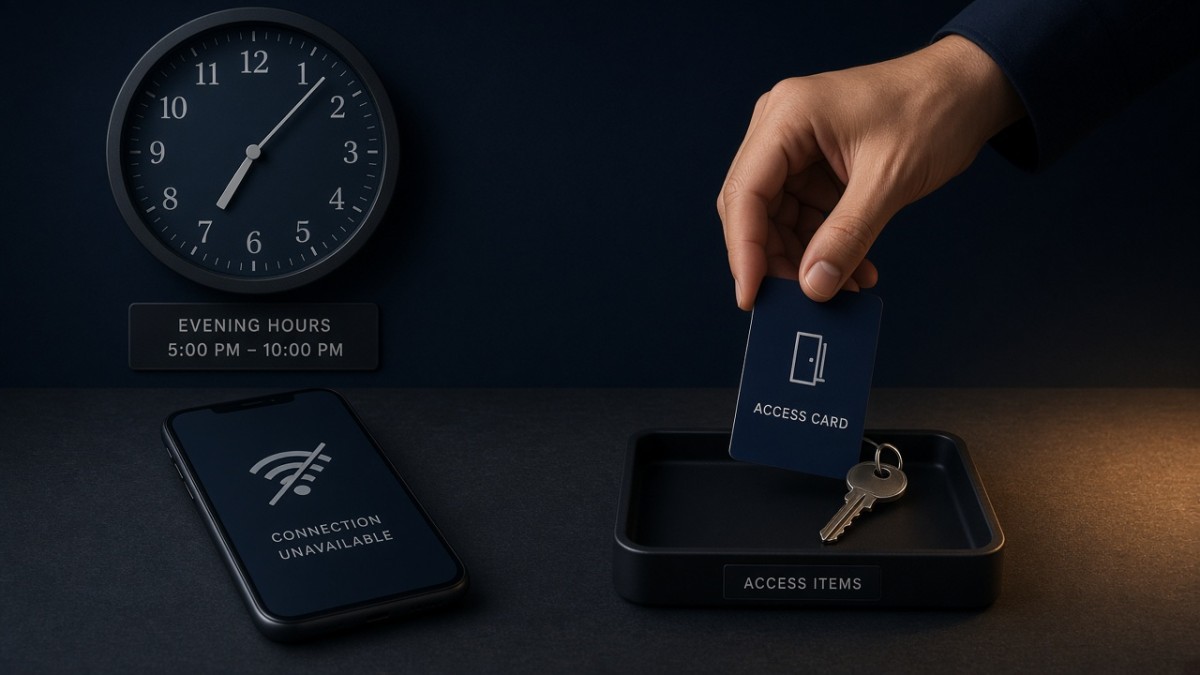
Temporary codes can be useful, but they are often created through an app and may depend on a network path. If a manager must grant access during an outage, a pre-issued card, a pre-agreed password, or a key procedure is the more reliable tool. Do not design the entire turnover process around a remote code that cannot be issued when Wi-Fi is down.
Require local methods, then add app administration as a second layer
Multi-user sites still need the door to open when the network drops, so local credentials and a key plan are the core of the access-control design.
Tuya is supported on A1, A2, A3, A4, D3, Q10, H6Pro-F, and Q9-F, which makes those models a starting point when a project wants app-based temporary codes or remote status on the Tuya platform. H8Pro uses Dingding Smart (叮叮智能), which is not DingTalk. Matter over Wi-Fi is an expandable option, never a standard feature, and should be requested only if the project needs it. TTLock should be asked about if a buyer requires it; it should not be treated as a confirmed standard or optional feature on A3 or A4 in this series.
The connectivity rule is the same one used on single residences, but the operational cost of a mistake is higher. Write two columns in the specification: methods that work offline, and features that need a network. Then assign a person who holds the offline column after hours. A longer discussion of that split is in Tuya, TTLock, Wi-Fi, and Offline Unlock: What Still Works When the Network Drops.
Public materials in this series do not describe a publicly discussable integrator API, a standard PMS connection, or a guaranteed log-export format. If a buyer needs logs for internal administration, ask what unlock records the chosen app can show, whether those records are available locally, and how long they are retained. Treat the answer as a confirmed limitation, not as a hidden integration promise.
Choose hardware from the door, the traffic, and the administration load
The model shortlist should still start from the door and the environment, then be narrowed by how many people will be enrolled and how often credentials will change.
Survey door material, thickness, handing, and exposure exactly as you would for a single house. Wooden-door handle locks such as A3 and A4 may suit indoor apartment doors that need a familiar lever. Visual or embedded models such as Q10, D3, or H8Pro may suit a main entrance that needs additional biometric options or an indoor screen. Outdoor-positioned models such as H6Pro-F and Q9-F belong in the shortlist only when the opening is actually exposed, and coastal evidence should be requested rather than assumed. A1 and A2 may be discussed by model name, but their short product URLs are not reliably live.
Confirm credential capacity on the exact model. Product pages are not a sitewide capacity guarantee, and a small office with frequent contractor changes can fill a poorly understood limit faster than a family home. Confirm how a credential is deleted, and who is trained to do it.
If the lock has a camera or cat-eye, add a privacy rule: whether a manager may view a dwelling entrance, how visitors are treated, and how accounts are reset at turnover. A shared commercial back door and a private apartment entrance should not inherit the same viewing rights by default.
Power planning also belongs in the multi-user specification. A drained battery on a tenant door becomes a service call. Specify on-door low-battery warnings, a maintenance owner, and the emergency-power interface on the exact model. D3 has documented emergency-power materials; other models should be confirmed. Mechanical-key custody should be assigned to a named role, not left in an unlabeled drawer.
Keep commercial terms and after-sales in the same buying file
A multi-unit order still needs the same factory, ODM, and warranty terms as any other export purchase, written clearly enough that a later replacement unit matches the first batch.
The official public legal name is Zhongshan Hongtu Intelligent Technology Co., Ltd. Hobere's public factory profile is 20,000 square meters, 70+ employees, six production lines, 100+ CNC machines, and a capacity of 50,000+ sets per month. Public ODM terms are a sample in five days; orders within 100 sets in 15 days; an MOQ of 500 sets with a 45-day lead time; and OEM negotiated separately. The public overseas warranty is a two-year free warranty on the complete unit; shipping is not included.
For a building with many identical doors, freeze the configuration before the first quantity is produced: model, finish, app platform, credential plan, and packing language. A later "small difference" between floors is an administration problem as well as a hardware problem.
Do not use hotel-oriented product-page wording, even if an older title on a live page still contains it. This buying guide is for apartments and commercial access control, not for hotel lock programs.
What to put in an apartment or commercial RFQ
A complete RFQ for this use case is a user-and-door document, not a request for "an access-control system."
Include:
- Building type and whether doors are private dwellings, shared corridors, office suites, or commercial back doors
- User groups, credential types, and the revocation or turnover rule
- The offline access plan and the after-hours owner
- Required app platform, named correctly, and a statement that Matter over Wi-Fi is optional only if requested
- Any privacy limits on cameras or indoor screens
- Door survey data, grouped by door type
- Quantity by door group, and whether a sample is required before the quantity order
- Warranty language: two-year complete-unit warranty, shipping not included
- A statement that hotel or PMS integration is not in scope unless a future phase is separately agreed
Live product pages that may help a first shortlist include Q10, A3, A4, D3, H8Pro, H6Pro-F, and Q9-F. Confirm the configuration in writing before you apply one model to an entire building.
Questions worth closing in writing
Who administers credentials, and what happens on move-out or staff change?
If this answer is vague, the project is not ready to choose a lock.
What still works if the app cannot be reached after hours?
The answer should be a local credential or key, with a named holder.
Can the chosen model store and delete credentials for the real user volume?
Ask for the confirmed capacity and the deletion method.
Are we specifying a camera, and who is allowed to view it?
Privacy is part of access control on a visual lock.
Is any integration with a building system actually confirmed?
If it is not confirmed, do not write it into the bill of quantities. Public integrator APIs are not a published offering in this series.
Talk with Hobere about apartment and commercial projects
Hobere can help you turn a door survey and a user-group list into a featured-model shortlist and a written credential plan. Send the building type, door groups, and administration requirements to hongtusmartlock@hobere.com, or use the Contact page.
Hobere

Thank you very much for writing to us. Please leave your message and contact information, we will reply to you within 24 hours.