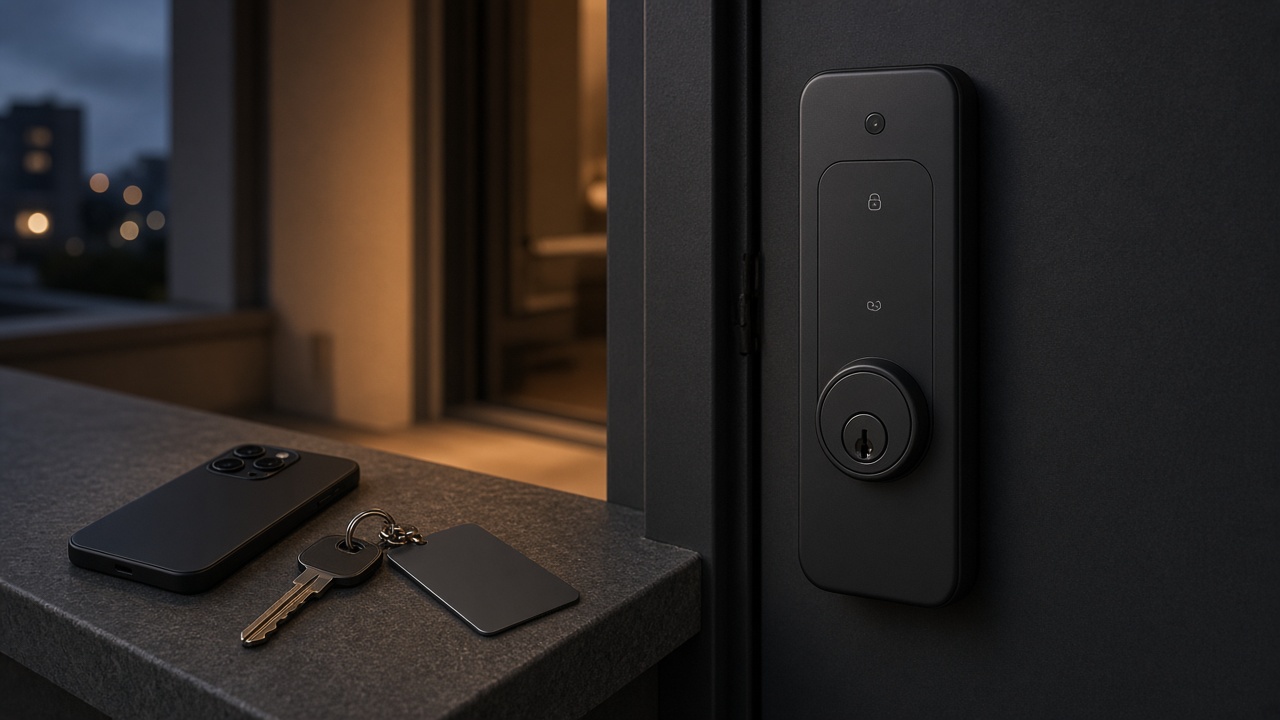
A smart lock specified for an overseas project must still open when the network drops, because app features are a convenience layer and are not a substitute for local credentials and a mechanical override.
Wi-Fi outages, weak mobile data, a misconfigured router, or an unreachable cloud service are ordinary events on residential, apartment, and commercial sites. If the only way to admit a tenant, a cleaner, or a manager is through an app, the site has a lockout risk that has nothing to do with the bolt. The specification should therefore describe three layers clearly: what works with no network, what may work when the lock and a phone can reach their service, and what is only an expandable option if the project asks for it.
This article is the connectivity section of a broader project specification. For door type, unlock-method selection, factory terms, and warranty language, start with How to Specify a Smart Lock for Overseas Residential, Apartment, and Commercial Projects.
Local unlock is the only access path you can count on during an outage
Fingerprint, face, palm vein, card, password, and mechanical key methods are the access paths that must be designed to work without Wi-Fi.
Those methods are enrolled or issued at the lock. They should still function if the router fails, if the destination country has an intermittent network, or if a phone has no data. The project document should list them by name for the exact model, and it should say who holds the mechanical key.
App-based remote unlock, remote video, and remote creation of a temporary code are different. They may be valuable for property managers, but they depend on a working path between the lock, the network, and the app service. A specification that says "temporary codes for contractors" must also say how access is granted if the manager cannot reach the app at that moment-usually a pre-issued card, a pre-agreed password, or a key procedure.
Do not treat "smart" as a synonym for "online." A lock can be biometric, scheduled, and auditable in the app, and still need to be a self-contained access device at the door.
Tuya and Dingding Smart are model-specific app platforms, not interchangeable labels
The app name belongs in the purchase order because it determines how users enroll accounts, issue codes, and, where the model supports it, view a camera.
For current Hobere featured models, Tuya is supported on A1, A2, A3, A4, D3, Q10, H6Pro-F, and Q9-F. H8Pro uses Dingding Smart (叮叮智能). Dingding Smart is not DingTalk, and the two names should never be used interchangeably in a quotation, an IT review, or a user guide. Third-party app-store listings that mention other app names should not be treated as official Hobere documentation.
Product pages for A1 and A2 are not reliably live, so confirm those models and their app configuration with the factory rather than depending on a short product URL. Live pages that can be used as references include the Hobere D3 (the URL still uses an older "Simple Style" slug; the product is D3), as well as H6Pro-F, Q9-F, A3, A4, Q10, and H8Pro.
If a project already standardizes on one app ecosystem, say so in the RFQ. Do not assume that a Tuya-supported model can be switched to another platform, or that H8Pro can be ordered as a Tuya lock, without written confirmation.
TTLock and Matter over Wi-Fi should be written as questions, not as default features
TTLock should be treated as a point to confirm with the factory, and Matter over Wi-Fi should be treated as an expandable option that is never included by default.
Some market conversations, and some older product-page wording, mention TTLock on handle-style models such as A3 and A4. That support should not be described in this series as standard or as a confirmed option. If a buyer needs TTLock, ask whether it can be provided on the exact model and get the answer on the quotation. Until that answer exists, specify Tuya for the Tuya-supported models listed above, or Dingding Smart for H8Pro.
Matter over Wi-Fi can be evaluated for selected models or customized projects. It is not a standard feature and should not appear in a tender as if every unit ships with it. If a project requires Matter, write it as a requested option, ask which models can support it, and keep the offline unlock plan unchanged. Matter does not replace local credentials.
Cloud region and data residency are also unconfirmed in public materials. If a destination market or a corporate IT policy requires a specific region, ask the factory and the app platform in writing. Do not assume where credentials, logs, or video are stored.
Network-dependent features need an outage plan
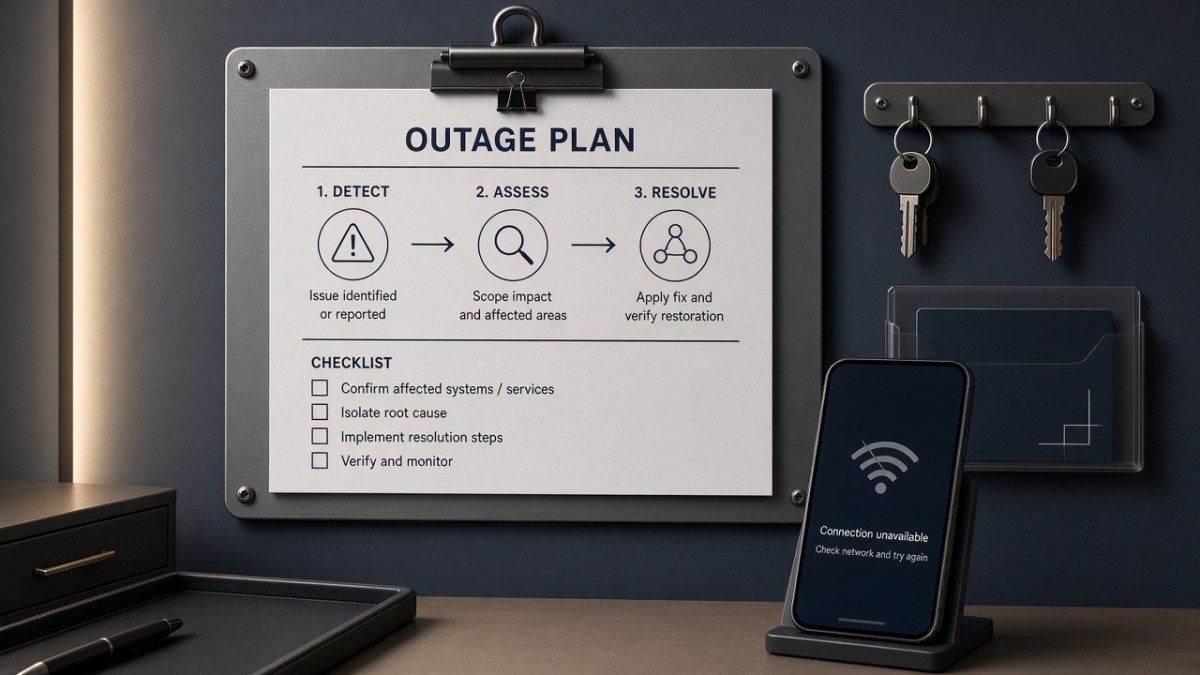
Remote unlock, remote video, notifications, and on-demand temporary codes need a written fallback because they stop when the network or the app service is unavailable.
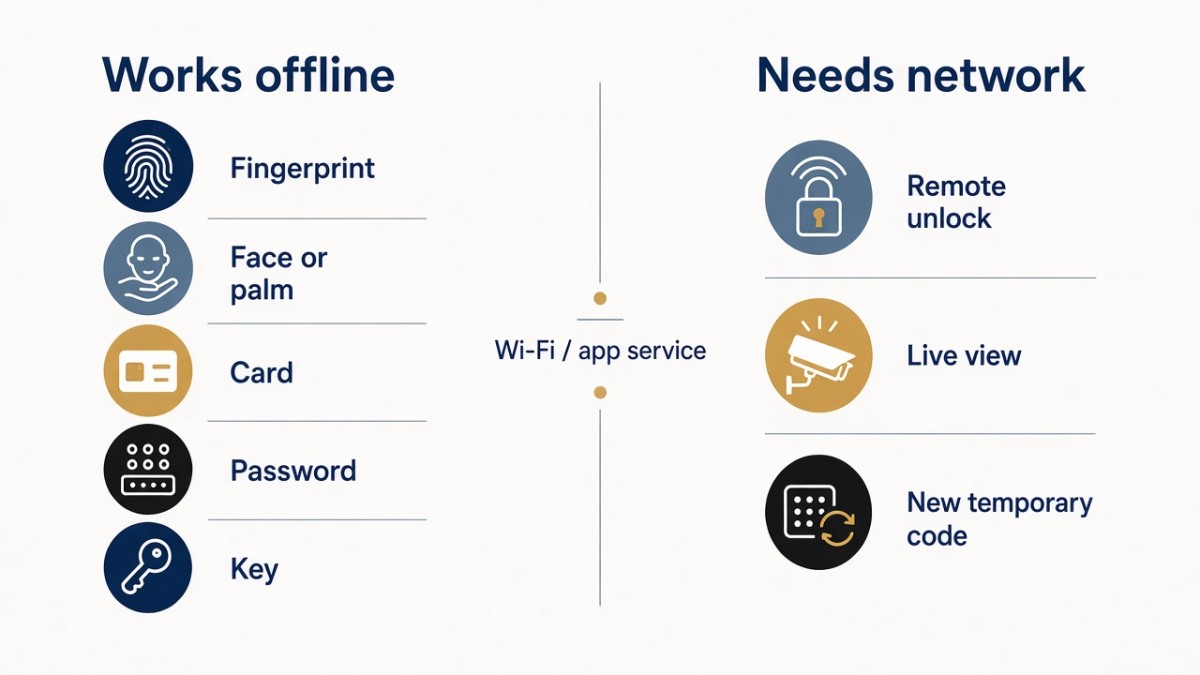
A practical way to write this is to split features into two columns on the specification:
- Works offline: enrolled biometrics, issued cards, set passwords, mechanical key, and any on-lock schedule that the factory confirms is stored locally.
- Needs a network: remote unlock, issuing a new code from elsewhere, live view, and push notifications.
Then assign an owner to the offline column. In an apartment or small commercial site, that is usually a property manager or site supervisor who holds a card or key and knows how to use it. In a single residence, it may be a spare key in a known location and a second enrolled biometric.
Power is part of the same outage plan. A dead battery is a different failure from a dead network, but the user experiences both as "the door will not open." Specify low-battery warnings and confirm the emergency-power interface on the exact model. D3 materials describe an external emergency power path; other models should be confirmed rather than assumed. For that discussion, see Smart Lock Battery Failure and Lockout: Why Emergency Power Matters.
Firmware support years, public integrator APIs, and long-term app availability are not documented as public facts in this series. If a project depends on those points, ask them as open questions. Do not write an invented support period or API promise into the bid.
What to put in the connectivity section of an RFQ
A short, precise connectivity section prevents app assumptions from becoming disputes after installation.
Include:
- The required app platform by exact name: Tuya, Dingding Smart (叮叮智能), or another platform only if the factory confirms it
- A statement that Dingding Smart is not DingTalk
- The local methods that must work with no network
- Whether remote unlock, remote video, or temporary codes are required, and the outage fallback for each
- A statement that Matter over Wi-Fi is requested only if needed, and is not a default feature
- Any data-residency or account-administration requirements the buyer needs the factory or platform to answer
- The destination country, so the factory can discuss local network conditions without the buyer assuming a particular cloud region
Hotel lock systems and PMS integration are outside the scope of this series and should not be added to the connectivity section as if they were a standard Hobere offering.
Questions worth closing in writing
Which app is confirmed on the exact model and software build we are ordering?
Use the model-by-model list above as the starting point, then ask the factory to confirm it on the quotation.
Can TTLock be provided?
Ask if you need it. Do not record it as standard or optional until the factory answers.
Is Matter over Wi-Fi included?
No. It is an expandable option only.
Where are app accounts, logs, and any video stored?
This is a question to ask, not a fact to invent.
What is the access plan if the network is down and the usual manager is off site?
The answer should be a local credential or key procedure, not another app feature.
Talk with Hobere about connectivity and offline access
Hobere can confirm the app platform and the local unlock set for a specific featured model, and can discuss Matter over Wi-Fi only as an optional expansion when a project requires it. Send the model shortlist, required app, and outage plan to hongtusmartlock@hobere.com, or use the Contact page.
Hobere

Thank you very much for writing to us. Please leave your message and contact information, we will reply to you within 24 hours.